
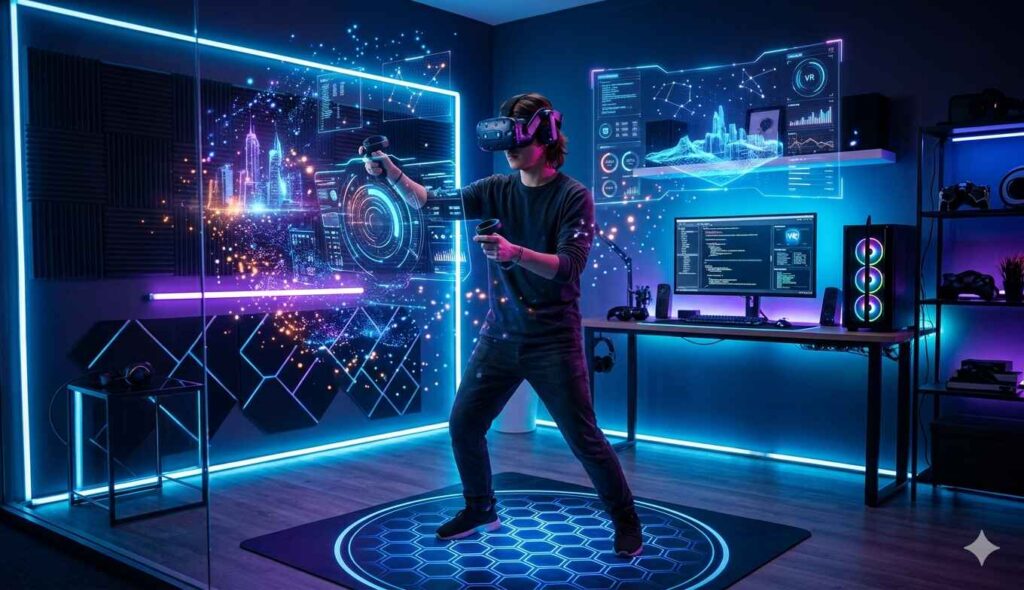
Virtual Reality is no longer something you “try someday” in a tech store. It is slowly becoming part of how people play, learn, design, and even work. And the interesting part? You don’t need a futuristic lab or expensive studio to experience it.
You can build a fully functional VR room at home, even if you’re working with limited space and a basic budget.
But here’s the truth most people miss:
A good VR experience is not just about the headset. It’s about how well your physical space supports your digital world.
So in this guide, I’ll walk you through everything step by step, from space setup to budget planning, in a way that actually makes sense in real life.
If you’re also exploring how VR is shaping digital experiences, you might want to check this deeper overview here:
Future of Virtual Reality
First, Let’s Understand What a VR Room Really Means
A VR room is not a fancy setup. It is simply a dedicated safe physical space where you can move freely while interacting with a virtual environment.
Think of it like this:
- Your physical room = movement space
- Your VR headset = digital world overlay
- Your safety setup = boundary between both worlds
Modern VR systems like Meta Quest or PlayStation VR2 are designed to map your surroundings and create a “guardian boundary” so you don’t walk into walls or furniture.
But the system alone is not enough; your room setup plays a huge role.

How Much Space Do You Actually Need?
This is where most beginners overthink it.
Let’s simplify it.
Minimum usable space
You can technically start with:
- 1.5m × 1.5m
This works for seated or limited standing VR experiences.
Recommended comfortable space
- 2m × 2m
This is the sweet spot for most casual VR gaming and experiences.
Ideal room-scale experience
- 3m × 3m or more
This is where VR starts to feel truly immersive; you can walk, dodge, turn, and physically interact with virtual environments.
Choosing the Right Room (This Matters More Than You Think)
Not every room is VR-friendly.
Here’s what actually works best:
- Spare bedroom
- Empty living room corner
- Office space with movable furniture
Avoid:
- Cluttered spaces
- Glass-heavy rooms
- Narrow corridors
A good VR room is not about size alone — it’s about the predictability of movement.
If your brain constantly worries about hitting something, your VR experience instantly loses immersion.
Essential Equipment for a VR Room
Let’s break this into real-world categories so you don’t get confused.
1. VR Headset (Your Core Device)
This is the heart of your setup.
Popular options include:
- Meta Quest 3 — best for beginners (wireless, standalone)
- PlayStation VR2 — best for console users
- HTC Vive — more advanced PC-based VR
If you’re just starting, standalone VR is honestly the easiest entry point.
2. Controllers & Tracking System
Controllers are what connect your physical movement to the digital world.
Modern systems use:
- Inside-out tracking (built-in cameras)
- Hand tracking (in some apps)
- Optional body tracking (advanced setups)
The big advantage today is simplicity — you don’t need external sensors like older VR systems required.
3. VR-Ready PC (Optional but Powerful)
If you want high-performance VR experiences, especially simulations or AAA games, you’ll need a VR-ready PC.
Basic recommended specs:
- GPU: NVIDIA RTX 3060 or higher
- RAM: 16GB minimum
- CPU: Intel i5 (10th gen or newer) / Ryzen 5
However, standalone VR devices are now powerful enough that many users don’t even need a PC.
Budget Breakdown (Realistic View)
Let’s talk realistically, no exaggerated numbers.
Entry-Level Setup ($300–$600)
Perfect for beginners:
- Standalone VR headset
- No PC required
- Basic cleared space
This is where most users start.
Mid-Level Setup ($800–$1500)
For more immersive experience:
- Better VR headset or upgraded standalone device
- VR-ready PC
- Accessories like mats or cable systems
Advanced Setup ($2000+)
For enthusiasts and creators:
- High-end PC VR setup
- Advanced tracking systems
- Dedicated VR room design
- Optional haptic devices
You don’t need this to enjoy VR — but it unlocks deeper immersion.
Step-by-Step: How to Set Up Your VR Room
Let’s make this practical.
Step 1: Clear Your Space
Remove:
- Chairs
- Tables
- Fragile objects
- Loose cables
Think of it as preparing a “movement-safe zone.”
Step 2: Define Your Play Area
Use your headset’s built-in boundary system.
This is your invisible safety box.
Some users also use physical floor mats for better grounding — especially helpful in room-scale VR.
Step 3: Set Up Lighting Properly
Lighting matters more than people think.
Ideal conditions:
- Soft ambient light
- No direct sunlight
- No complete darkness
Good lighting improves tracking accuracy.
Step 4: Install & Update Devices
Before starting:
- Update firmware
- Install VR apps
- Calibrate controllers
This avoids glitches during gameplay or experience.
Step 5: Test Movement Before Full Use
Before jumping into intense VR experiences:
- Walk around slowly
- Check boundary alerts
- Test controller responsiveness
This simple step prevents most accidents.

Safety Tips You Should Take Seriously
VR is immersive — sometimes too immersive.
So keep these in mind:
- Always clear the room before starting
- Take breaks every 20–30 minutes
- Don’t use VR when tired or distracted
- Keep pets and kids away during sessions
A good VR experience should feel immersive — not risky.
Common Beginner Mistakes
I’ve seen most beginners make these:
- Underestimating space requirements
- Ignoring boundary setup
- Poor lighting conditions
- Overcrowded rooms
- Long uninterrupted sessions
Fixing these alone improves the VR experience by a huge margin.
The Future of Home VR Setups
This is where things get exciting.
VR is moving toward:
- Fully wireless systems
- AI-generated environments
- Mixed reality blending physical + digital spaces
- Full-body tracking without external sensors
Companies are already working on making VR feel like a natural extension of your room — not a separate device.
To explore this direction deeper, you can always check ongoing insights here:
https://futureofvirtualreality.com/
Final Thoughts
Setting up a VR room at home is not about budget or complexity — it’s about understanding how physical space and digital experience work together.
Once you get that balance right, even a small room can become a powerful immersive environment.
And honestly, this is just the beginning. VR is not a trend — it’s a shift in how we experience digital life.
So the real question is not whether you can set up a VR room…
It’s how far you want to take the experience